
Only 1% of retailers are currently taking advantage of the powerful technology of AR and VR to enhance their customers’ shopping experiences. Despite this, nearly half of all merchants remain unprepared to take advantage of this technology.
As an online store merchant, you are constantly looking for ways to reduce customer decision friction and enhance the user experience. Magento 2 is a highly customizable ecommerce platform, allowing you to leverage the latest solutions and make the most of the exciting potential of AR. Now is the time to get ahead of the curve and start exploring the possibilities of this revolutionary technology.
What Is Augmented Reality?
Augmented reality (AR) is a technology that overlays digital information onto the physical world, enhancing our perception of reality and creating new interactive experiences.
In eCommerce, this means customers can view a product as if it were physically in the room with them. They can walk around it, examine it from any angle, and understand its real-world scale, all without leaving the website. The result is more confidence at the point of purchase and fewer returns after the fact.
Types of augmented reality
The most popular types of augmented reality solutions are marker-based and markerless AR.
Marker-based AR uses a physical trigger, such as a QR code or a printed image, to activate the digital overlay. When the device’s camera detects the marker, it anchors the 3D model to that spot.
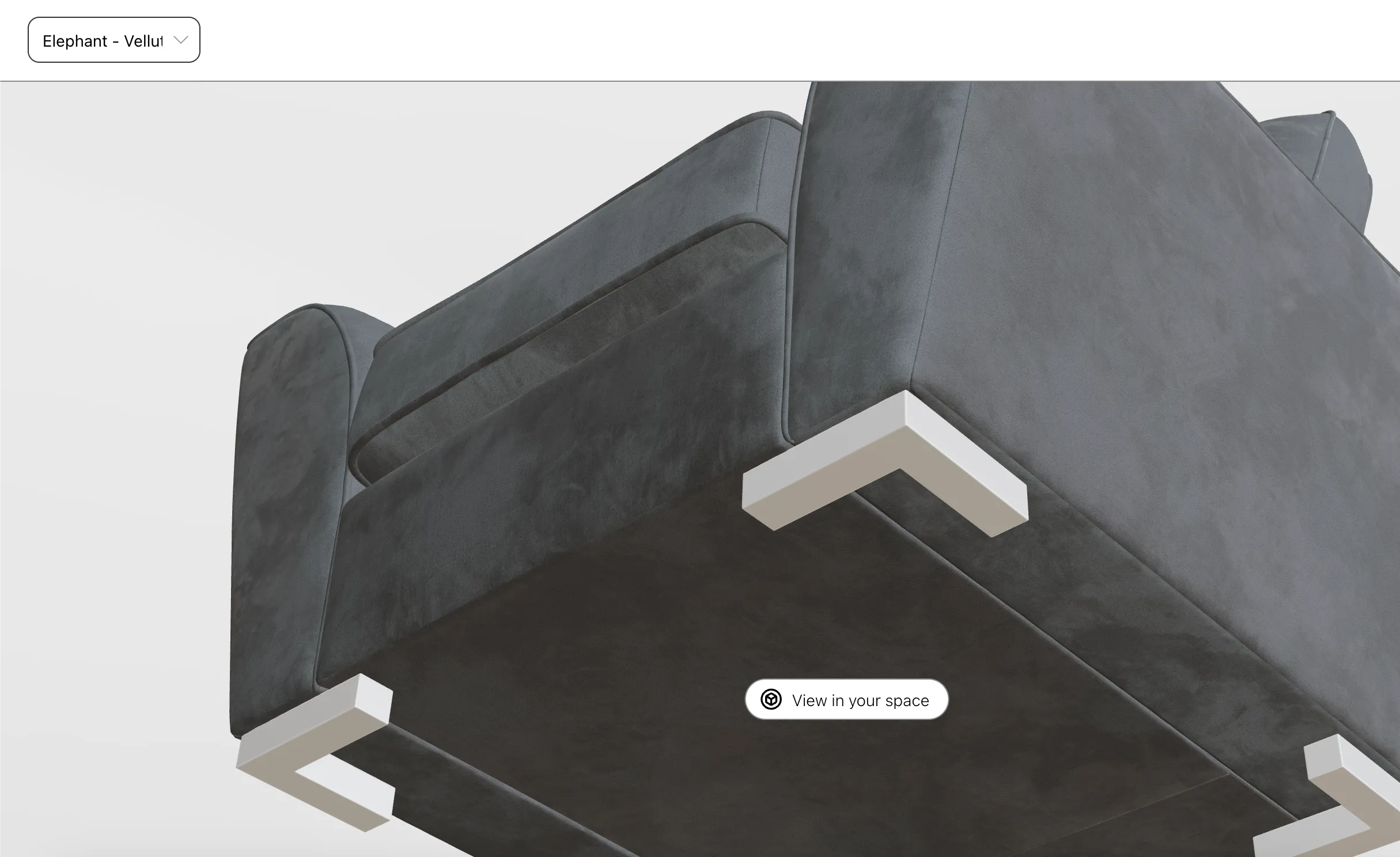
Markerless AR uses the camera, gyroscope, and on-device sensors to understand the user’s surroundings and place objects naturally within them, with no printed trigger required. It’s more technically demanding, but modern smartphones ship with the hardware needed to handle it smoothly.
For most Magento 2 stores, markerless AR is the right choice. It’s frictionless: a customer presses one button and the sofa appears in their living room.
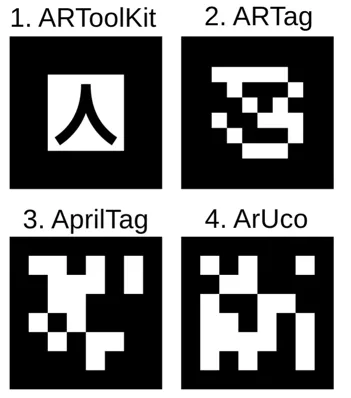 Markers used by various AR software. Source: Wikipedia

Why AR Matters for Ecommerce (Now)
The world’s most powerful tech companies (Google, Meta, and Apple) have all moved beyond experimentation and committed to AR/VR as the next major computing platform.
Apple’s Liquid Glass design language is a telling signal: it’s a UI system built from the ground up for headsets, rendering interface elements against the dynamic backdrop of the physical world. When Apple redesigns its visual language around a technology, it’s worth paying attention.
But you don’t need to wait for headset adoption to start benefiting. The smartphone in your customer’s pocket is already a capable AR device.
Despite this, nearly half of all merchants remain unprepared to offer AR experiences. That’s a gap and a competitive opportunity. Merchants who adopt 3D and AR today will have a head start when the technology becomes the industry norm, just as those who invested in mobile-first design early gained an edge over laggards.
Think long-term. You can start small with a 3D product viewer today, no AR headset required. The same 3D model files you prepare now will be ready for the next generation of AR experiences when that moment arrives.
Benefits of Integrating AR into Magento 2
Beyond the headline numbers, integrating AR into your Magento 2 store delivers:
- Higher conversion rates: customers who can visualize a product in context are more confident buyers.
- Fewer returns: “it looked different in the photo” is eliminated when customers can place the product in their actual space.
- Deeper engagement: interactive 3D is far more engaging than static photography, increasing time-on-page.
- Richer analytics: AR interactions generate behavioral data (which angles customers examine most, how long they spend with a model) that can inform product pages and marketing.
- Competitive differentiation: at 1% adoption, even a basic 3D viewer makes you stand out.
Limitations of the Standard Magento 2 Gallery
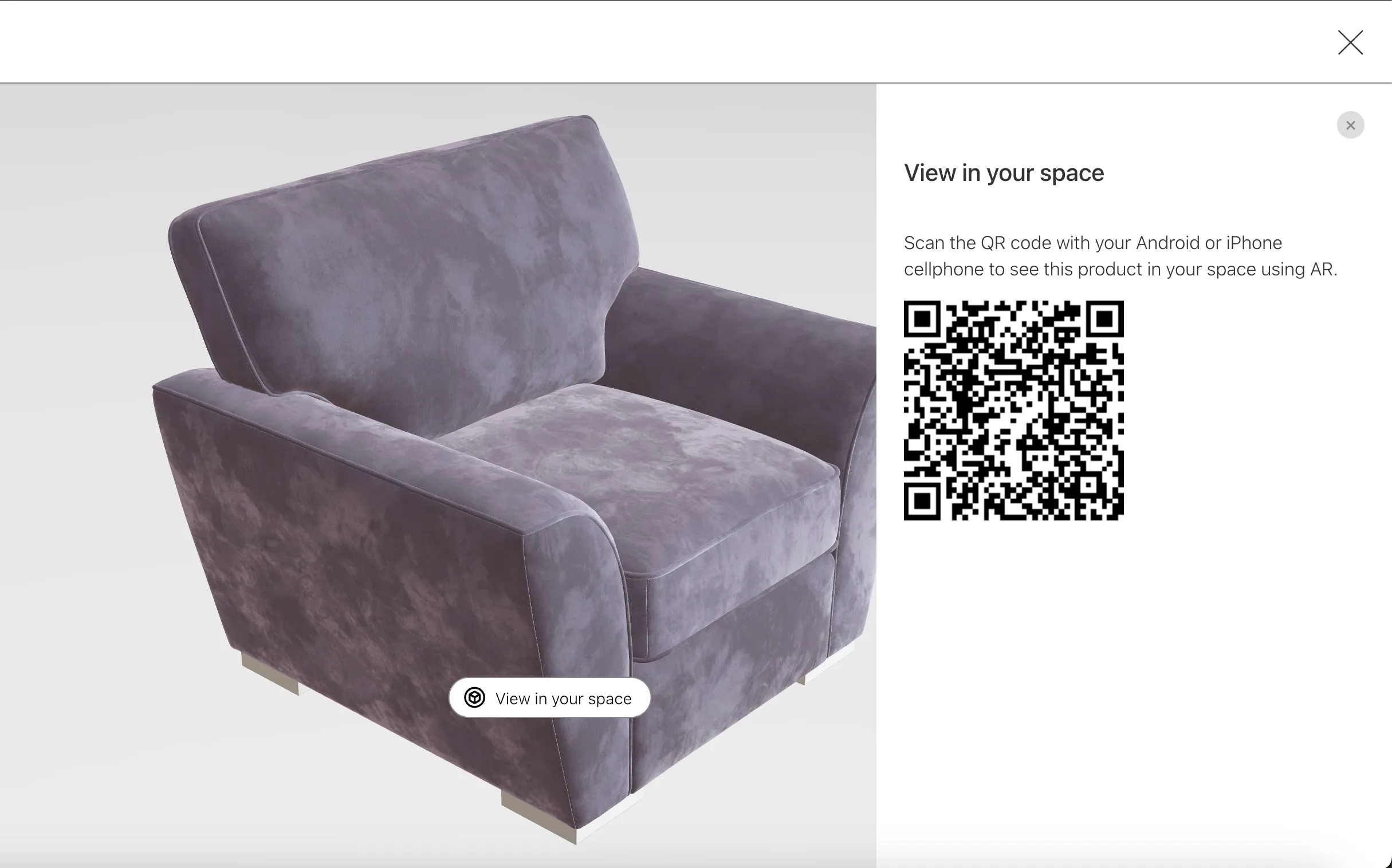
Out of the box, Magento 2’s product gallery is displaying pictures. Customers can zoom in to examine texture, but they can’t change their viewing angle, understand scale, or see how a product fits in their own environment. This creates a real friction for high-consideration purchases like furniture, home décor, fashion, and electronics.
Consider furniture: a sofa photographed in a professional studio under three-point lighting will look noticeably different when placed in a customer’s living room. Details like the height of a backrest, the true texture of a fabric, or the relationship between piece and room are nearly impossible to communicate through static images alone.
Correctly implemented Physically Based Rendering (PBR) materials in a browser-based AR viewer can close this gap almost entirely. The rendered velvet or wood grain becomes nearly indistinguishable from the real thing.
Do I Need a Native AR App?
No. This is the most common misconception that holds merchants back. Modern browsers support WebGL for 3D rendering, and Android devices support WebXR, which enables full, seamless AR experiences directly in the browser.
iOS Safari is less straightforward. Apple’s browser doesn’t currently support WebXR, so iPhone users are routed through Apple’s AR Quick Look. This works well but has one notable constraint: it’s not interactive. If a customer changes a product color swatch, they must relaunch Quick Look to see the updated model in AR.
iOS note: Models may appear slightly darker in AR Quick Look than in the browser 3D viewer, due to Safari’s lighting environment. There is no current workaround fom Apple.
For the majority of use cases, AR running in browser delivers an excellent experience across both platforms, with no app download required.
Real-World Case Study: Furniture Industry
The best way to understand what AR can do for your Magento 2 store is to see it in action. Here’s how we implemented AR and 3D viewers for a furniture manufacturer that both designs and produces its own pieces.
Starting Point
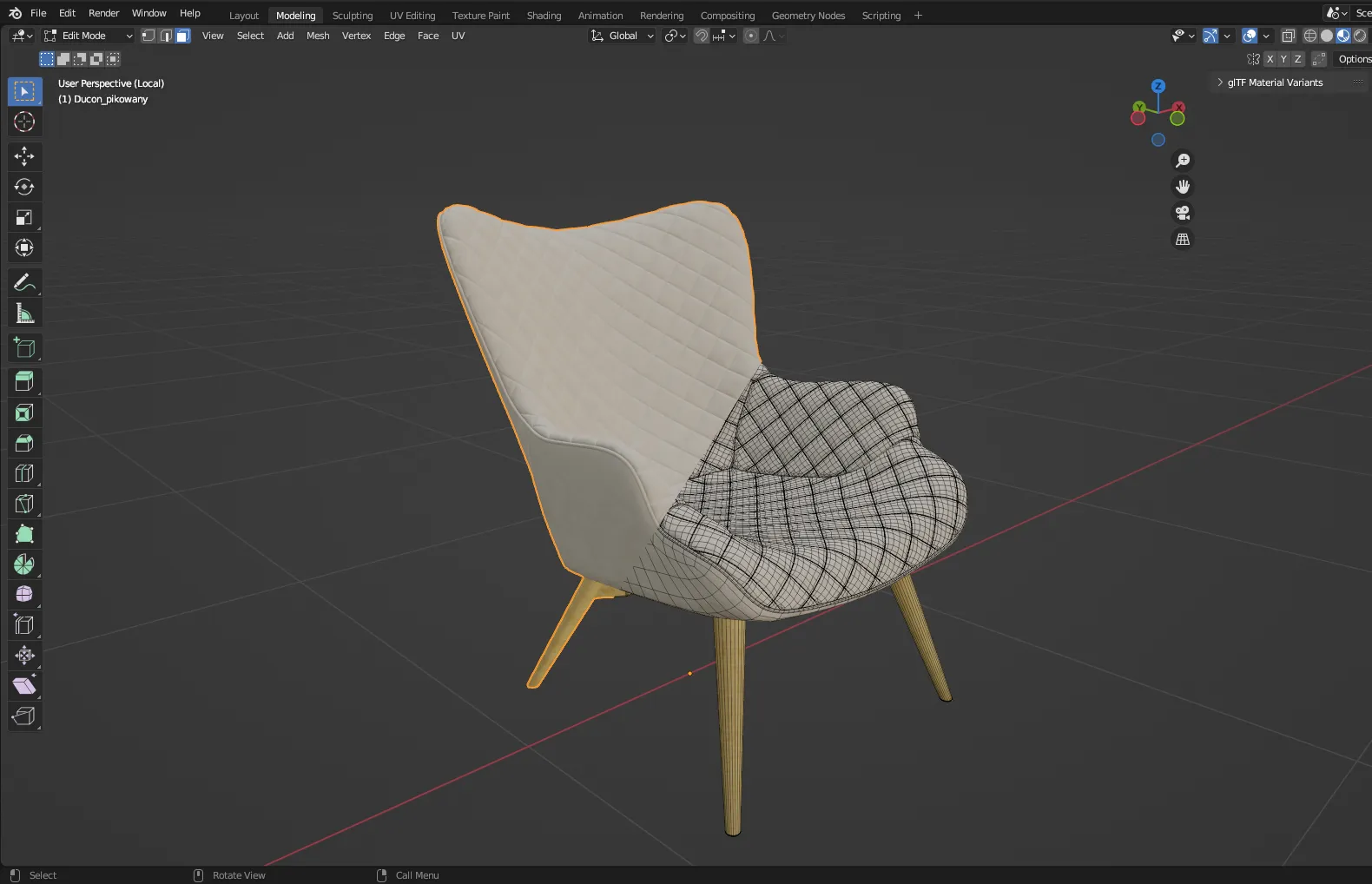
The client already had 3D model files prepared by their in-house graphic design team for rendering purposes. These were high-fidelity production models. Perfect for offline renders, but too complex for mobile web use and needed to be adapted.
Using Blender’s Remesh and Decimate modifiers, we simplified the mesh topology of each model to bring vertex counts within a range suitable for both the 3D viewer and AR. We targeted under 250,000-500,000 vertices, which provides a safe upper bound for performance across a wide range of mobile devices.
Materials & Textures
The furniture range included pieces covered in velvet, a notoriously challenging material to represent digitally because of its directional sheen. We handled this using dynamic PBR sheen values: the sheen color is generated on the fly by averaging the texture’s color and increasing its lightness, producing the characteristic effect of real velvet fiber.
Real photographs of material samples were used as the basis for textures. The World UV addon for Blender allowed us to apply a consistent real-world scale across all UV maps, ensuring fabric patterns render at physically accurate sizes in AR.
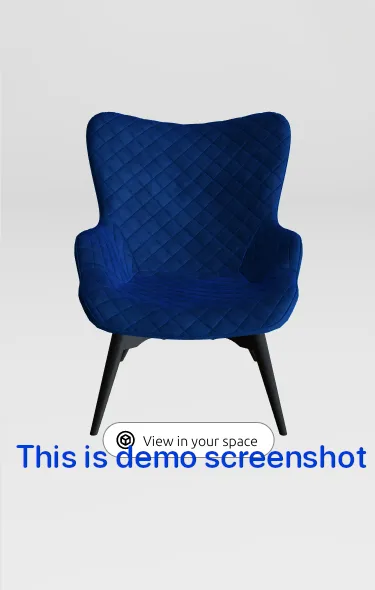
You can see the result live: View furniture prepared for AR on SLF24.
Our Web 3D Technology Stack
Three technologies work together to deliver the experience:
Implementation Assumptions
Before building, we established a set of technical ground rules that informed every decision:
- Model complexity: Models over 1 million vertices run fine in the 3D viewer but are prone to crashing on AR, especially on older mobile devices. We kept all models under 250,000-500,000 vertices.
- Texture compression: We used imagemagick and pngquant to compress textures and reduce file sizes. Important caveat: pngquant should not be applied to normal maps, because the lossy compression degrades the fine-grained lighting data they contain.
- Per-variant models: Each material variant (velvet, polyester, wood finish) was given its own model file reflecting its distinct physical properties. This ensures the AR experience accurately represents the product the customer is considering.
Challenges & Limitations
The implementation was successful, but several platform constraints are worth documenting for any merchant considering this path:
- iOS brightness: Models can appear darker in AR Quick Look than in the browser viewer. This is a Safari/iOS rendering constraint outside developer control. Apple may address it in future updates.
- iOS AR flow: Safari cannot launch a WebXR AR session natively, so iPhone users are redirected to AR Quick Look. The transition is automatic but does involve switching between the browser and the system AR viewer, a slightly jarring handoff compared to the seamless Android experience.
- Interactivity in AR: In AR Quick Look, color swatch changes made in the browser are not reflected in real time. Customers must reconfigure and relaunch Quick Look for each variant, a friction point that WebXR on Android does not have.
How to Get Started With Implementing AR on Magento 2
If you’re looking to get started with AR in Magento 2, it’s best to determine how are you going to prepare 3D models and materials, and what the whole project will cost. For detailed pricing of the integration, 3D modelling, and CDN setup, see the Magento 2 AR cost & requirements breakdown.
Here are options you have to create 3d models:
1. Get Model Files from Your Vendor
The easiest option. Many manufacturers already produce 3D models for their own rendering and marketing workflows. Ask your suppliers. You may already have a head start.
2. Hire a 3D Artist
If you don’t have existing models, a freelance 3D artist can build them from reference photos. Quality depends heavily on the photos you provide. Multiple angles, good lighting, and samples of physical materials yield the best results.
3. Use a 3D Scanner
More expensive, but highly accurate. A 3D scanner captures the exact geometry of a physical object, making it a strong option for products where precision matters or where photogrammetry would be too time-consuming.
Preparing Models for the Web
Regardless of source, models need to be prepared for web delivery:
- Simplify mesh topology (reduce polygon count for web-safe performance)
- Assign PBR materials and texture variants
- Export as glTF 2.0 (.glb format for web)
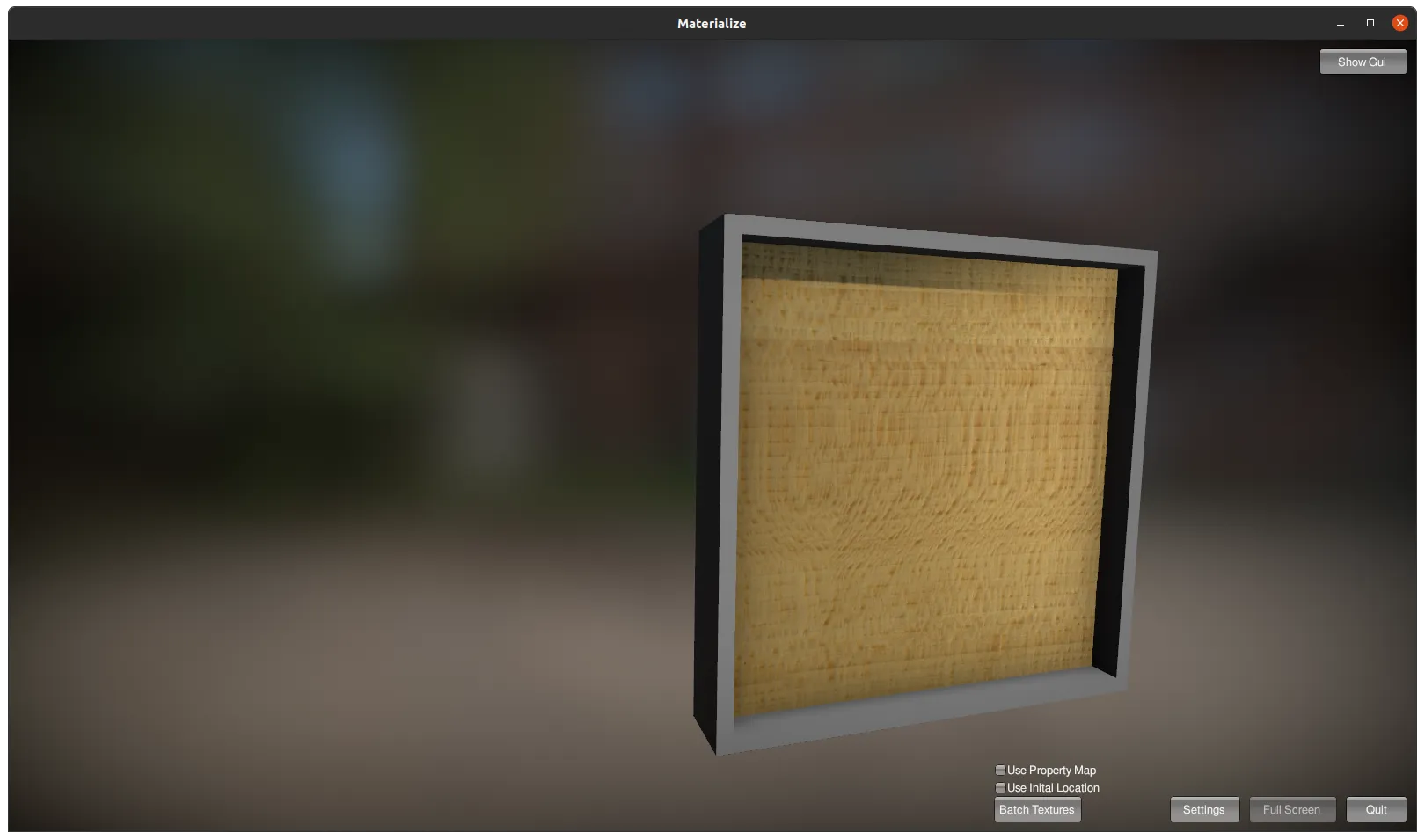
Our tool of choice is Blender: free, open-source, and backed by an outstanding community. For textures, textures.com is an excellent starting point for physically based materials. For generating PBR maps from photographs, Materialize is a free alternative to Adobe Substance 3D.
If this process feels overwhelming, we can handle all of it, from model preparation to Magento 2 integration. See our AR & 3D service for Magento 2
Custom Solution vs. Pre-Built Plugins
Several off-the-shelf AR solutions exist (such as Verge 3D), and they can be a reasonable starting point. But they come with significant trade-offs for production ecommerce use:
- Rigid architecture: Pre-built tools are designed for generic use cases. When your products have specific requirements, like velvet sheen rendering or per-material variant models, you’ll constantly be working around the tool’s limitations.
- Duplicate file downloads: Many existing implementations require a separate model file per material variant. A customer browsing color options may unknowingly trigger multiple full model downloads, hurting both performance and experience.
- Poor store integration: Generic AR widgets rarely integrate cleanly with your theme, product page layout, or Magento 2 attribute system. The result can look bolted-on rather than native.
A custom implementation lets you control every aspect of the experience: how the viewer is embedded, how material variants are handled, how models are delivered and cached. That level of control translates directly into better performance and higher conversion.
The Future of AR in Ecommerce
The trajectory is clear. AR hardware is becoming mainstream. Browser support for WebXR continues to mature. The technology moves from differentiator to expectation. Merchants who treat AR as a future concern will be playing catch-up.
Specific developments to watch:
- Virtual try-ons: clothing, eyewear, and accessories viewed on the customer’s own body before purchase.
- Virtual showrooms: entire room configurations explored in AR before a single item ships.
- Personalized AR experiences: product recommendations anchored to the customer’s real environment and preferences.
Each of these is technically feasible today. The merchants preparing their 3D asset libraries now will be positioned to deploy these experiences the moment market demand catches up.
Conclusion
Augmented reality and 3D are a practical, deployable advantage available to any Magento 2 merchant today. The technology stack is mature, the consumer appetite is proven, and the competitive window is still open.
Start with a 3D viewer. Add AR as your asset library grows. Invest in custom implementation when the scale warrants it. Each step compounds: better assets, better experiences, better conversion.
The furniture case study above shows what’s possible with a motivated team, good 3D assets, and the right technical approach. Your store could be next.
References
- Live implementation - 3D & AR Chesterfield Sofa on slf24.co.uk
- Unity-based PBR material editor: Materialize page
- the great open source 3D modeller: Blender3D
- website with textures and materials: textures.com
- research on AR by Marketing Dive
Frequently asked questions
Augmented Reality for Magento 2
Do I need a native mobile app to offer AR in Magento 2?
No. WebAR runs directly in the mobile browser. Customers tap a button on the product page and see the product in their room, with no app store download. Native apps only make sense for very specialized AR experiences.
Which products benefit most from AR and 3D viewers?
Products bought for a physical space or judged by material and shape: furniture, home decor, lighting, and larger electronics. Seeing true size and surface detail in the customer's own room answers the questions that flat photos leave open.
What does a standard Magento 2 gallery lack compared to a 3D viewer?
The default gallery shows flat photos from fixed angles. A 3D viewer with PBR materials lets customers rotate the product, inspect materials up close, switch texture variants, and project it into their space at real size via AR.
How do I get 3D models of my products?
Three routes: request model files from your manufacturers (many already produce them), hire a 3D artist to build models from reference photos, or 3D-scan the physical products. Models then need web preparation: reduced polygon count, PBR materials, and glTF 2.0 (.glb) export.