
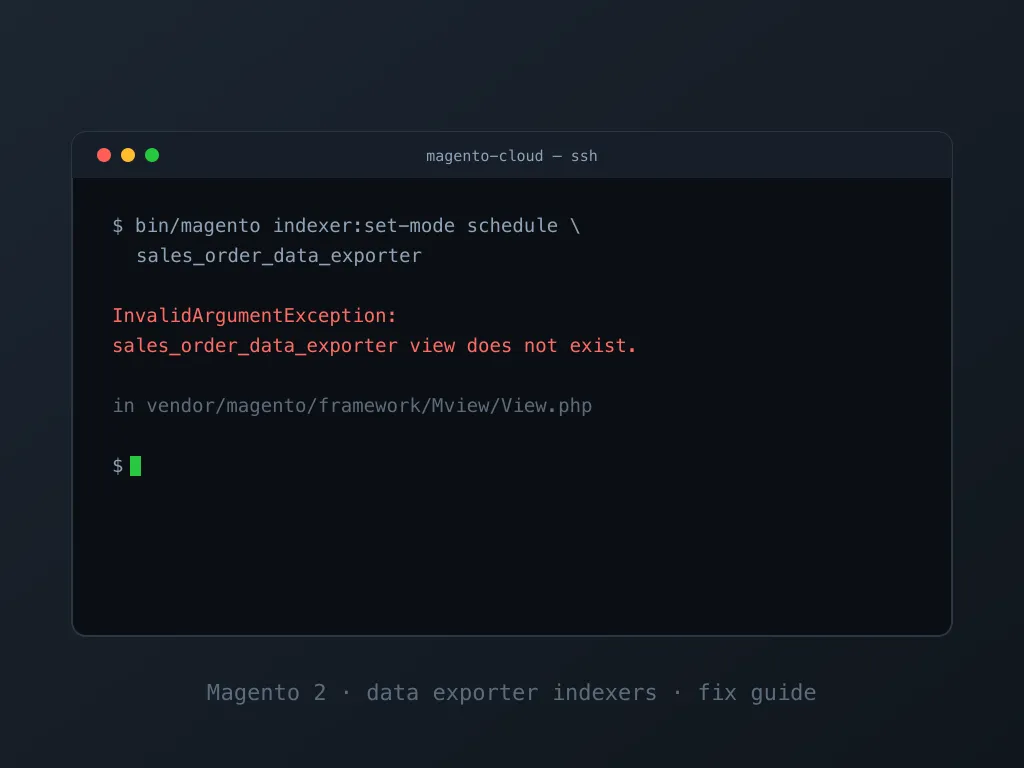
The error means exactly what it says at the framework level: something asked
Magento’s Mview configuration for a view with the ID sales_order_data_exporter,
and no enabled module declares it. The declaring module is
Magento_SalesOrdersDataExporter, shipped in the
magento/commerce-data-export
package and installed as a dependency of Adobe Payment Services
(magento/payment-services). The fix is one of two moves: enable the module
set the command expects, or remove the leftover references to it. Both take
minutes. The diagnosis below tells you which one you need.
InvalidArgumentException: sales_order_data_exporter view does not exist.The exception comes from vendor/magento/framework/Mview/View.php.
The load() method throws it whenever a view ID is requested that is missing from
the merged mview.xml configuration of all enabled modules.
Where the error shows up
-
Running an indexer command that names the feed directly, for example the command from Adobe’s own Payment Services setup guide:
bin/magento indexer:set-mode schedule sales_order_data_exporter sales_order_status_data_exporter store_data_exporter -
During
bin/magento setup:upgradeor a deployment pipeline that includes such a command. -
In
var/log/cron.logorvar/log/system.logon stores where the module set changed but indexer references remained.
sales_order_status_data_exporter and store_data_exporter fail with the
same message for the same reason.
Everything below applies to them as well.
Diagnose: which situation are you in?
Run these two checks:
composer show magento/module-sales-orders-data-exporter
bin/magento module:status Magento_SalesOrdersDataExporter
Three outcomes:
- Package missing: Composer reports the package is not installed. You either need to install Payment Services or remove whatever still references its indexers (fix 1 or fix 2).
- Package present, module disabled:
module:statusprints the module under “disabled”. Enable it if you use Payment Services, or clean up if you don’t. - Package present, module enabled: the config the command needs exists, so the error points at a stale config cache or an environment mismatch (fix 3).
Fix 1: Install and enable the module set (you use Payment Services)
If the store should be running Payment Services and the package is missing, install it:
composer require magento/payment-services
bin/magento setup:upgrade
If the package is present but the modules are disabled, enable the exporter modules and re-run setup:
bin/magento module:enable Magento_DataExporter Magento_QueryXml Magento_SalesOrdersDataExporter
bin/magento setup:upgrade
bin/magento cache:clean config
Then the original command works:
bin/magento indexer:set-mode schedule sales_order_data_exporter sales_order_status_data_exporter store_data_exporterFix 2: Remove the references (you don’t use Payment Services)
The error keeps returning because something still asks for the feed. Find and remove those references:
-
Deploy scripts and crontab. Search your CI/CD configuration and server crontab for
data_exporter. Theindexer:set-modeline from an old Payment Services setup is the most common leftover. -
Disable the modules consistently (when the package is still installed but unused):
bin/magento module:disable Magento_SalesOrdersDataExporter
bin/magento setup:upgrade
bin/magento cache:clean config
Or remove the package entirely with
composer remove magento/payment-services. -
Clean stale indexer state left in the database from a previous installation. Back up the database first:
DELETE FROM mview_state   WHERE view_id    LIKE '%data_exporter%';
DELETE FROM indexer_state WHERE indexer_id LIKE '%data_exporter%';
Leftover changelog tables (names ending in
_cl, such assales_order_data_exporter_cl) can be dropped as well. They are recreated automatically if the modules are ever reinstalled.
Fix 3: Clear the cache and align environments (module already enabled)
The merged mview.xml configuration is stored in the config cache. Enabling
or disabling modules without refreshing it leaves commands reading yesterday’s
module list:
bin/magento cache:clean configThe other frequent source is environment drift: an app/etc/config.php
copied from an environment with a different module set, or a database imported
from staging into production. After any such sync, run
bin/magento setup:upgrade so code, configuration, and database agree on
which modules exist.
Verify the fix
bin/magento indexer:statusWith the modules enabled, the exporter feeds appear in the list with a valid
status. With the modules removed, the command completes without mentioning
them and var/log/cron.log stays clean over the next cron runs.
Related reading
This error is one of a family of cryptic Magento messages. Our Magento 2 issues FAQ collects the rest. If the error appeared mid-upgrade, the guide to upgrading Magento 2.4.6 covers the deployment sequence that keeps module state consistent. And if your team is spending more time on deploy failures than features, that is exactly the kind of work our Magento 2 development company take over.
Frequently asked questions
sales_order_data_exporter errors
What is the sales_order_data_exporter indexer in Magento 2?
It is a data feed indexer declared by the Magento_SalesOrdersDataExporter module (part of the magento/commerce-data-export package). Adobe Payment Services uses it to stream order data to Adobe's SaaS services. It is installed as a dependency of magento/payment-services and is absent from a plain Magento Open Source installation.
Does the sales_order_data_exporter error affect checkout or order placement?
No. The error is thrown by the indexer configuration layer before any data is touched. Customers can still browse, order, and pay. The impact is failed CLI commands, failed deploys, or repeated cron errors, an operational problem rather than a storefront outage.
Is it safe to delete sales_order_data_exporter rows from mview_state and indexer_state?
Yes, if the Payment Services and commerce-data-export modules are removed or disabled and stay that way. The rows only hold indexer bookkeeping and are recreated by bin/magento setup:upgrade if the modules come back. Back up the database before running any manual DELETE.
Why did this error appear right after upgrading or deploying Magento?
Upgrades and deploys are when indexer commands run. A deploy script calling bin/magento indexer:set-mode with the exporter feed names, an app/etc/config.php copied from an environment with different modules, or a stale config cache will all surface the error at that moment, even though the mismatch existed earlier.